Write the task
Say what you need done. Each task has an owner, a status, and a history.
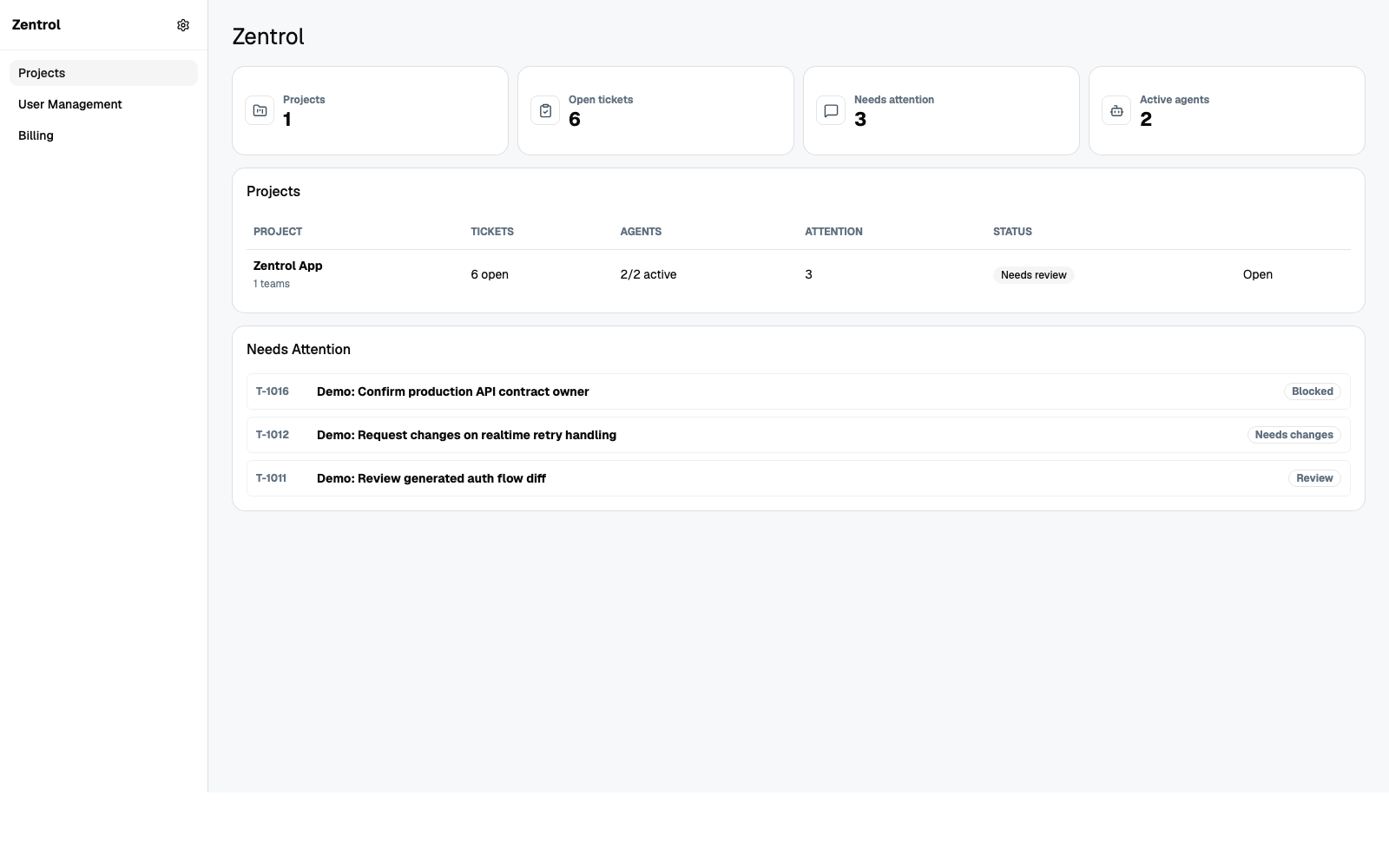
Mission control for AI agents
Hand real work to a team of AI agents. See what each one does, and approve every result before it goes out.
Who it is for
Zentrol speaks the language of your work. Pick the page that fits you.
Run Claude, Codex, and Gemini coding agents in parallel on real tickets. Watch each one in a live terminal, and review every change like a pull request.
Zentrol for software teamsPlumbers, electricians, HVAC, roofers, and landscapers. Virtual employees write the estimates, schedules, reminders, and invoices while you are on the job.
Zentrol for tradesSalons, cleaning companies, and more. Virtual employees answer booking requests, write reminders, fix the schedule, and prepare invoices.
Zentrol for local businessesHow it works
Say what you need done. Each task has an owner, a status, and a history.
Each agent has a role and knows the project and your rules. Assign many tasks to many agents at once.
One screen shows what each agent does now, what waits, and what needs you.
Read the work, ask for changes, or approve it. Nothing is finished until a person says so.
Why Zentrol
Work that lives in separate chat windows has no owner, no history, and no review. Zentrol gives it all three.
One agent is a chat window. Zentrol runs a team of agents in parallel and keeps each task accountable.
Agents write drafts and make changes. A person reviews each result, and only a person can send an email or a text.
Agents run on your own computer. The hosted dashboard only coordinates the tasks, the status, and the review.
An agent that is stuck marks the task blocked, gives the reason, and waits for your decision.
Who did what, when, what the agent said, and what you answered. Nothing is lost in a chat thread.
Zentrol works with Claude, Codex, and Gemini subscriptions. There is no new AI bill from us.
FAQ
Zentrol is mission control for AI agents. You give tasks to a team of AI agents, see what each one does, and approve every result.
Software teams that run AI coding agents, and businesses such as trades, salons, and cleaning companies that want virtual employees for office work.
No. Zentrol has a plain-language mode for people who do not write software. Engineers get live terminals and code review on the same product.
They stay on your own computer. Agents run there through the Zentrol app. The hosted dashboard coordinates the tasks, the status, and the review.
No. Agents can only write drafts. A person reads each email and text, and a person sends it.
The beta is free. You bring the AI subscription you already pay for. Join the waitlist, and we open seats in batches.
Limited beta
Zentrol is free during the beta. Tell us about your work, and we open seats in batches.